How ZETIC.MLange Works#
This page describes the requirements to start ZETIC.MLange
Beta version notification
Current version of ZETIC.MLange generates an on-device AI library from your model on a remote server. We guarantee that your AI model and data remain confidential and we won’t use or leak it.
0. Prepare model#
The input for the MLange is (1) [TorchScript, ONNX] model and (2) NumPy input(s).
For more details, refer to Prepare Model and Input(s)
1. Prepare Model Key and Personal Key#
Use
Web DashboardorCommand Line Interfaceto generate Model Key.Generating
Model KeyExample
# Generating Model Key with CLI Method.
$ zetic gen -p $PROJECT_NAME -i $INPUT_0 -i $INPUT_1 .... $MODEL_PATH
Use
Web Dashboardto generate Personal KeyCopying
Personal KeyExample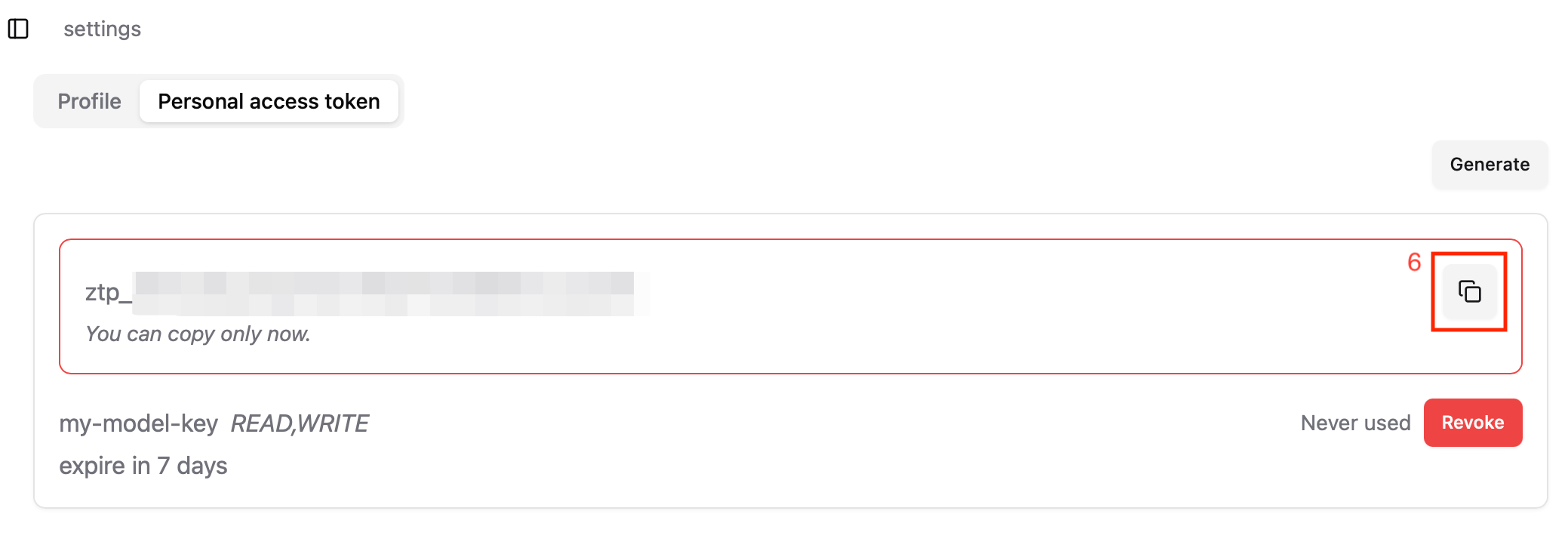
For more details, refer to Generate Model Key and Generate Personal Key
2. Initialize and run your model in mobile app#
Android
Please follow deploy-to-android-studio page for details
Kotlin
val model = ZeticMLangeModel(this, "MLANGE_PERSONAL_KEY", "MLANGE_MODEL_KEY")
model.run(YOUR_INPUT_BYTE_BUFFERS)
iOS
Please follow deploy-to-xcode page for details
Swift
let model = try ZeticMLangeModel("MLANGE_PERSONAL_KEY", "MLANGE_MODEL_KEY")
model.run(YOUR_INPUT_DATA_ARRAY)
(+) Profiling MLange Model#
With proving Web Dashboard, You can also get much information about MLange Model. Including progress of making Model Key and how effectively the model can be used on various devices.